

Information Technology

Information technology has become an indispensable part of daily life. Therefore, our school’s Computer Studies curriculum continues to improve and actively promotes programming education to cultivate students’ essential knowledge, skills and attitudes so that they can face the ever-growing digital economy in the future.

Our goals are to enable students to:

1. Understand the basic concepts and practices of computational thinking, including abstraction, algorithms and automation.

2. Possess the ability to develop programmes and process data to solve problems.

3. Understand the process of problem-solving and the limitations of programming.

4. Connect programming with real-life problems and other subjects.

5. Solve problems through communication and effective teamwork during the process.


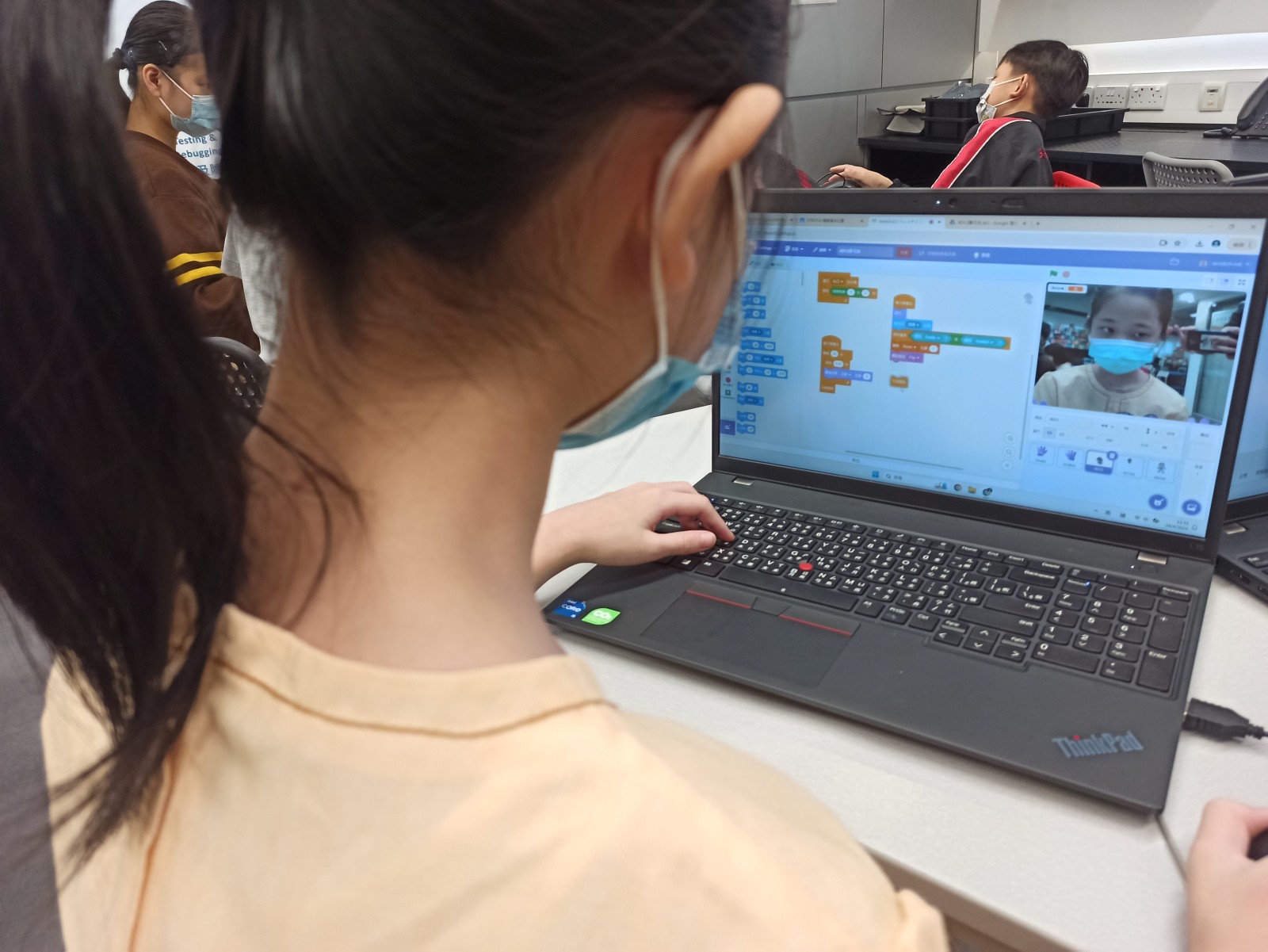
We actively promote STEAM education, with a particular focus on programming teaching, enabling students to learn how to use different programming software, unleash their creativity, and develop logical thinking, computational thinking, programming skills and the ability to create small programmes.

In addition, we provide tablet-based e-learning across all year levels, allowing students to learn how to operate various tablets and use them for learning.

The curriculum content for each year level is as follows:


Primary 1

Primary 2

Primary 3

Primary 4

Primary 5

Primary 6

Primary 1 School-based Curriculum

  • Basic operations of iPadOS
  • Google Classroom
  • Dash and Dot
  • Information Literacy


Primary 2 School-based Curriculum

  • Google Classroom
  • Gmail
  • ScratchJr
  • Information Literacy


Primary 3 Curriculum

  • Scratch 3.0
  • Information Literacy

Primary 4 Curriculum

  • Tinkercad
  • CoSpaces
  • Stretch3
  • Information Literacy


Primary 5 Curriculum

  • Canva
  • Teachable Machine AI
  • Information Literacy


Primary 6 Curriculum

  • Generative Artificial Intelligence
  • Suno
  • Information Literacy


Upon completion of the curriculum, students should be able to:

Stage

Stage Objectives

Knowledge

Skills

Attitude

Stage I (Primary 1 to Primary 3)

  • Know how to operate iMac and iPad;
  • Recognise the wide application of information technology in daily life;
  • Show interest in using information technology as a learning tool.


  • Understand the basic concepts of computational thinking;
  • Recognise the functions of common information technology tools;
  • Identify examples of information technology applications in daily life.

¨   

  • Apply basic programming skills;
  • Type English using a computer;
  • Use multimedia resources to assist learning with teacher guidance;
  • Use information technology tools to communicate and express opinions.


  • Cultivate interest in and a correct attitude towards using information technology;
  • Collaborate with classmates;
  • Use information technology appropriately.

Stage II (Primary 4 to Primary 6)

  • Use information technology tools to support learning;
  • Acquire information through computer networks;
  • Learn simple techniques for processing information;
  • Pay attention to various issues related to the application of information technology;
  • Develop communication skills for collaborative learning.
  • Connect programming with real-life problems and other subjects;
  • Understand the importance of information technology applications.
  • Possess the ability to develop programmes and process data;
  • Use various software for word processing, calculation, image processing and other learning activities;
  • Input Chinese using voice recognition devices and Chinese input methods;
  • Retrieve information through computer networks and other media;
  • Process information using information technology tools;
  • Create small games, 3D objects, etc. using various software (e.g. Scratch and Tinkercad).


  • Recognise intellectual property rights, copyright and privacy rights;
  • Be vigilant against undesirable elements in computer networks and other media;
  • Recognise the need to protect oneself when using the Internet;
  • Understand the process of problem-solving and the limitations of programming;
  • Solve problems through communication and effective teamwork during the process.

We are committed to providing students with comprehensive and practical technology education, enabling them to succeed in the field of modern technology. In addition to regular lessons, students also make good use of lunchtime activity sessions to fully unleash their creative thinking. Let us work together to cultivate students’ digital competence and create a future that belongs to them!

Self-Learning Websites

Click here to enter the photo album.